
Tutorials
Learn by building
Tutorials
Real apps, built from an empty folder one command at a time. Every step is run by our CI in a new app, so what you read is what Nevela does today.
07out · simple to hard
Pick one and build it
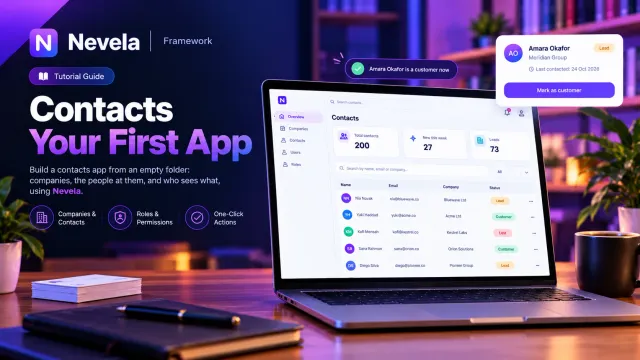
Contacts: your first app
Build a small contacts app from an empty folder: companies and the people at them. Add a field later, give a lead a one-click button, decide who sees what, and call it all over the API.
- Resources
- Relations
- Migrations
- Actions
- Roles
- API
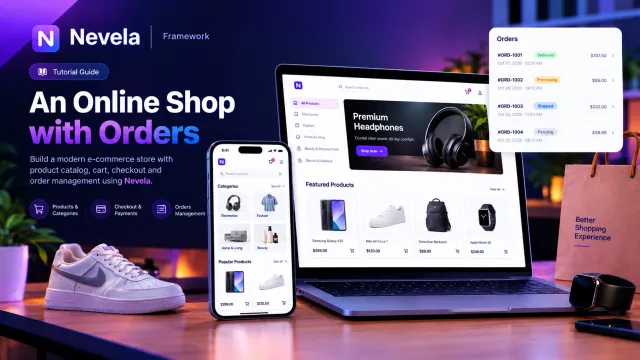
An online shop with orders
Categories, products with optimised pictures and prices in a currency, and orders whose items are edited as a table inside the order, with a total the app keeps. Then a public page of what is on sale.
- Images
- Money
- Line items
- Public API
- Site pages
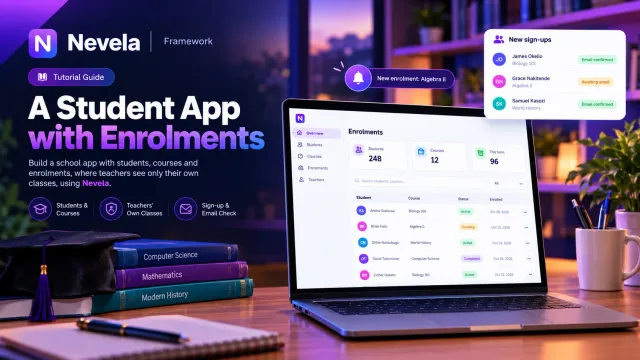
A student app
Teachers, courses, students and the enrolments that join them, teachers who see only their own classes, a public sign-up form that proves the student's email address, and a teacher told when a student drops out.
- Many-to-many
- Policies
- Public forms
- Notifications
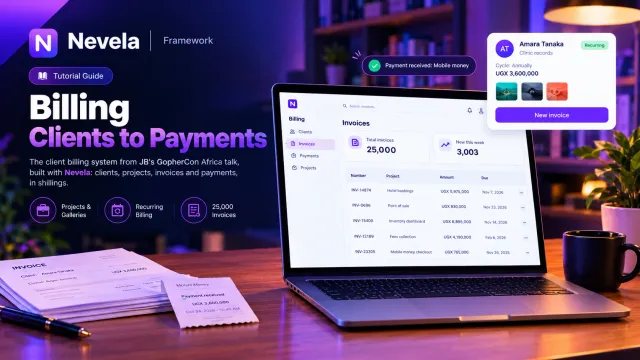
A billing app
The client billing system JB builds on stage at GopherCon Africa: clients, their projects, invoices and payments, in shillings. A phone number held to Uganda, a billing cycle only a recurring project has, a gallery, and 25,000 invoices to try it on.
- Phone numbers
- Conditional fields
- Galleries
- Seeding
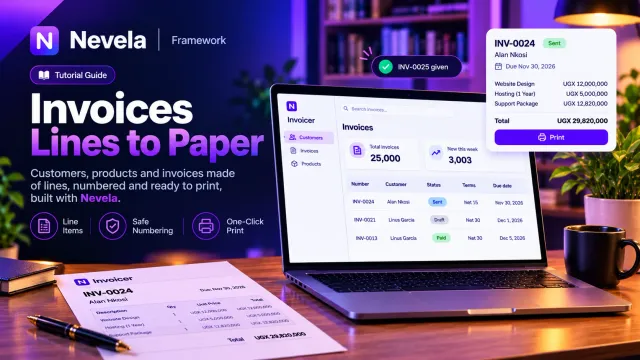
An invoice app
Customers, products and invoices made of lines: numbered invoices that are safe when several people are working, a status and terms that read as people say them, a due date added afterwards with one command, and an invoice ready to print.
- Line items
- Numbering
- Adding a field
- Printing

A CRM
Companies and a million contacts, with values checked and kept one way: phone numbers from any country, emails, domains, colours, times and ratings. A seeder that tops a table up, and carries on where it stopped.
- Phone numbers
- Field types
- A million rows
- The API
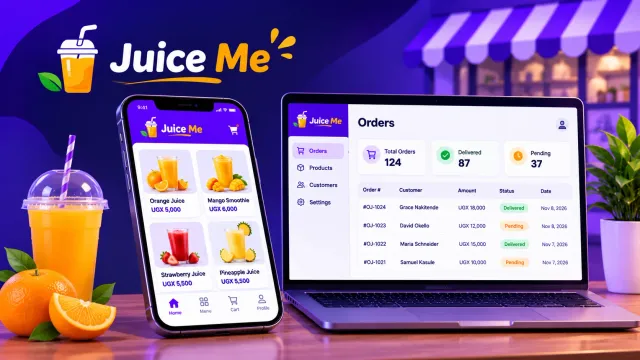
A drinks app on the phone
A beverage ordering app for a campus juice bar. Customers sign up on their phones, order and follow their order; staff move it along. A shop on the phone with no mobile code, orders that each belong to their customer, and a total and a status only the bar decides.
- Mobile app
- Customers and staff
- Orders that are theirs
- Roles